
By Kshetez Vinayak, founder of SupaSidebar. Last updated June 30, 2026.
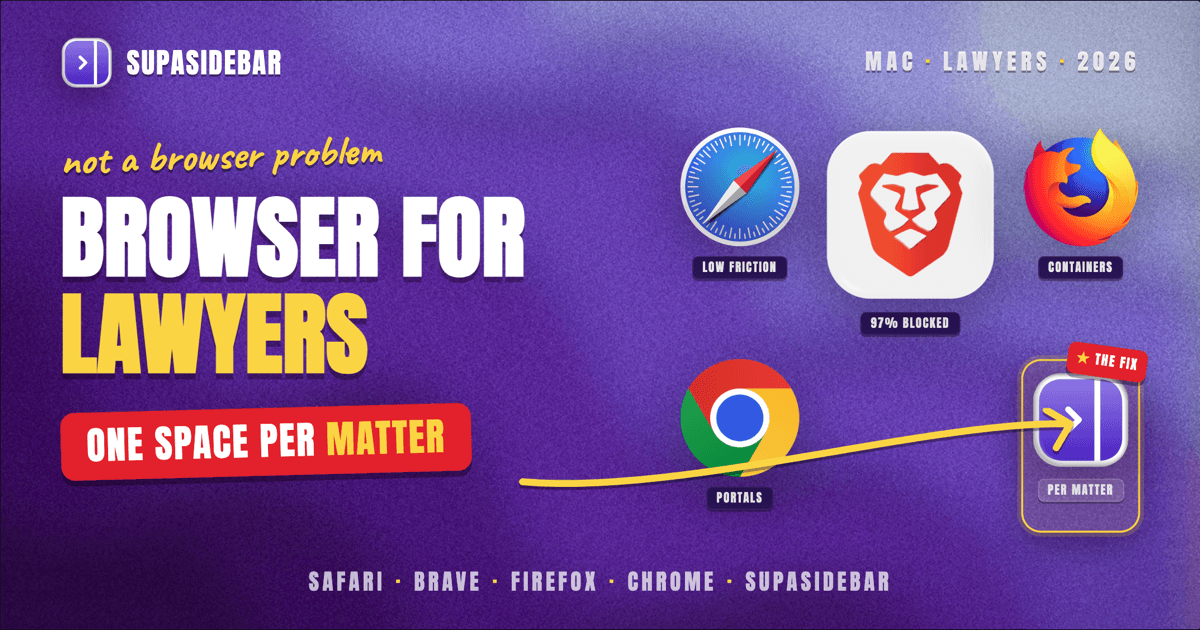
For most lawyers on a Mac in 2026, Safari is the best default browser: it is the fastest and most battery-efficient on Apple Silicon, and its Intelligent Tracking Prevention blocks cross-site tracking with no setup. Brave is the better pick when privacy is the priority, since Brave Shields blocks roughly 97% of trackers by default. Firefox wins when a firm needs granular, configurable privacy and strict profile separation. But the browser itself is rarely a lawyer's real problem. The harder problem is keeping each client matter's research, court portals, and document tools separated and findable, and that is a workspace problem no single browser solves. SupaSidebar is the macOS sidebar that fixes it across whichever browser a firm runs.
Quick navigation:
- Comparing every Mac browser, not just the legal angle? → Best Browser for Mac in 2026
- Most concerned about tracking and data privacy? → Best Mac Browser for Privacy in 2026
- Want the full Mac app stack for a legal practice? → Best Mac Apps for Lawyers in 2026
- Comparing how a sidebar fixes tab chaos across browsers? You are in the right place. Keep reading.
| Browser | Best for | Privacy out of the box | Cross-matter separation |
|---|---|---|---|
| Safari | The default Mac choice | Intelligent Tracking Prevention on by default | Profiles (2022+), one window per profile |
| Brave | Privacy-first practices | Shields block ~97% of trackers by default | Profiles, plus per-profile Shields settings |
| Firefox | Configurable privacy and strict isolation | Enhanced Tracking Protection (~85% of trackers) | Profiles plus Multi-Account Containers |
| Chrome | Compatibility with legacy legal portals | Minimal by default, relies on extensions | Profiles, deep Google Workspace tie-in |
| SupaSidebar (layer, not a browser) | Keeping every matter's tabs together across any browser | Inherits the browser's privacy; saves nothing about page content | One Space per matter, across all of the above at once |
What lawyers actually need from a browser on Mac
The best browser for lawyers on Mac in 2026 is the one that handles three jobs at once: it protects client-confidential browsing from trackers, it runs heavy legal-research databases without choking the machine, and it keeps each client matter cleanly separated so privileged work never bleeds across accounts. This post compares the major Mac browsers on exactly those three jobs. It does not rank legal-research platforms themselves (Westlaw, LexisNexis, and vLex/Fastcase are tools that run inside whichever browser you pick), and it is Mac-specific.
A litigator's browser session looks nothing like a casual one. A single afternoon can mean a Westlaw tab, a PACER or state e-filing portal, a client's shared document folder, a billing system, and a separate logged-in account for each of three different matters. The browser has to hold all of that without leaking one client's session into another and without grinding to a halt under twenty open tabs.
Confidentiality duties raise the stakes. Most bar associations frame competent technology use as an ethics obligation, and the American Bar Association's Model Rule 1.6(c) requires lawyers to make "reasonable efforts to prevent the inadvertent or unauthorized disclosure of, or unauthorized access to, information relating to the representation of a client." That is partly a tracker-and-data-leak question, which is where browser choice matters, and partly an organization question, which is where browser choice stops being enough.
Safari: the fast, low-maintenance default
Safari is the best default browser for most lawyers on a Mac because it is the most efficient option on Apple Silicon and its privacy protections require no configuration. Safari enforces HTTPS where available and runs Intelligent Tracking Prevention, which blocks cross-site tracking cookies and limits the invisible pixels and scripts that follow you between sites, all silently in the background (Intego, Most Secure Browser for Mac 2026).
For a solo or small-firm lawyer who wants the machine to stay cool and the battery to last through a deposition, Safari is hard to beat. It is deeply integrated with macOS, supports Profiles for separating work and personal browsing, and inherits Apple's overall privacy posture.
The honest limit is organization. Safari Profiles let you split, say, "Firm" from "Personal," but Safari was not built to hold a dozen distinct client-matter contexts at once, and its sidebar makes you choose between viewing tab groups or bookmarks rather than both together. For a lawyer running many matters in parallel, that ceiling is reached quickly.
Best for:
solo and small-firm lawyers who want a fast, private, zero-setup default on Apple Silicon.
Brave: the privacy-first choice
Brave is the best browser for lawyers who treat tracker and fingerprint protection as a baseline professional duty, not an optional add-on. Brave Shields block trackers, cross-site cookies, and fingerprinting by default, and Brave reports blocking roughly 97% of trackers out of the box, compared with about 85% for Firefox's Enhanced Tracking Protection (Brave Shields).
Brave also randomizes your browser fingerprint so sites have a harder time identifying the same device across sessions, and it is built on Chromium, so it runs the Chrome extension library and the web apps legal vendors test against. For a privacy-conscious firm, that combination of aggressive default blocking and broad compatibility is the strongest argument in this comparison.
The trade-off is that Brave's defaults can occasionally break a finicky court portal or legacy filing system that expects certain trackers or scripts to load, so a lawyer leaning on older government e-filing sites should be ready to lower Shields per-site.
Best for:
privacy-first lawyers and firms that want maximum tracker and fingerprint protection without giving up Chrome compatibility.
Firefox: configurable privacy and strict isolation
Firefox is the best browser for lawyers who want to tune privacy precisely and isolate client work at the session level. Its Enhanced Tracking Protection blocks roughly 85% of trackers and exposes granular controls so a firm can set policy rather than accept a default (Brave Shields comparison data).
Firefox's standout feature for legal work is Multi-Account Containers, which sandbox cookies and logins per container. A lawyer can keep one client's logged-in sessions completely walled off from another's inside a single window, which maps directly onto the duty to keep matters separate. Firefox also runs full Profiles for a deeper split.
The cost is effort. Firefox rewards configuration, which means a firm gets the most out of it only by investing the time to set containers and policies up, and its on-Mac efficiency trails Safari on Apple Silicon.
Best for:
firms and privacy-minded lawyers who want configurable controls and strict per-matter session isolation.
Chrome: compatibility, at a privacy cost
Chrome is the browser to reach for when a legacy legal portal, e-filing system, or practice-management tool is certified only for Chrome, which still happens across courts and vendors. Chrome's Profiles separate accounts cleanly and its Google Workspace integration is unmatched if the firm already lives in Google Docs and Gmail.
The privacy picture is the weakest of the four. Chrome does little tracker blocking by default and leans on extensions to close the gap, which means a privacy-conscious lawyer is doing manual work that Safari and Brave do automatically. For confidentiality-sensitive practice, Chrome is a compatibility tool more than a daily driver.
Best for:
lawyers tied to Chrome-only legal software or a Google Workspace firm, who add privacy extensions deliberately.
The real problem: one browser cannot hold every matter
Here is the part the browser comparison misses. Pick the most private, fastest browser in the world, and a lawyer running eight active matters still ends up with thirty tabs, several logged-in accounts, and no fast way to jump from the discovery research for one client to the filing deadline tracker for another. Browser Profiles help, but switching profiles means switching whole windows, and bookmarks pile up into folders nobody opens. The friction is not the browser, it is the lack of a workspace layer on top of it.
SupaSidebar is the macOS sidebar that solves this across any browser. It is a native Mac app, not a browser and not an extension, that adds a persistent sidebar beside whatever browser a firm runs. The relevant feature for legal work is Spaces: one Space per client or matter, each holding that matter's pinned portals, saved research, and the tabs that belong to it. Switching matters becomes switching a Space, not hunting through tabs.
Because SupaSidebar's Live Tabs can show open tabs from supported browsers in one list, a lawyer running Safari for general work and Chrome for a Chrome-only filing portal sees both in a single sidebar instead of alt-tabbing between windows. The Command Panel (⌘⌃K) then searches saved links, recent pages, and live tabs across every browser at once, so finding the right brief or portal is one keystroke rather than a memory test. SupaSidebar supports every major Mac browser, 33 in total including Safari, Chrome, Firefox, Brave, Edge, Arc, Vivaldi, and others, so the firm's browser choice and its organization layer stay independent.
It organizes the work, not the documents inside it: SupaSidebar is not a document-management system and does not store privileged content, it groups the tabs and links around each matter. Crucially, it saves nothing about the pages themselves, so it inherits whatever privacy posture the underlying browser provides.
"I really like where you're going with this - I can see this becoming my go-to bookmarking tool. The ability to flick between browsers is so liberating."
- Titus Scurfield, freelance web developer running per-client Spaces (used with permission)
That per-client separation is exactly the job a lawyer faces with matters instead of clients, and it is the most-requested SupaSidebar workflow across its users. As one user put it on r/macapps, the appeal is "a way to manage my multiple browsers from a single source."
Why SupaSidebar fits a legal workflow
SupaSidebar is a macOS app that brings Arc's sidebar to every browser - one sidebar for tabs, bookmarks, files, and apps across 33 browsers including Safari, Chrome, Firefox, Edge, Brave, Arc, Vivaldi, Dia, and Comet. For a lawyer, that means the privacy and performance decision (Safari, Brave, or Firefox) and the organization decision (one Space per matter) stop competing. Pick the browser that meets the firm's confidentiality bar, then let SupaSidebar keep each matter's context together on top of it. It runs on macOS 14 and later, syncs across Macs through iCloud with no account required, and a free version is available to try the per-matter Space workflow before committing.
The bottom line
For most lawyers on a Mac in 2026, run Safari as the daily browser: it is the fastest and most private option on Apple Silicon with zero setup. Choose Brave if tracker and fingerprint protection is the firm's top priority, since its Shields block the most by default. Choose Firefox if the practice wants configurable privacy and strict per-matter session isolation through Multi-Account Containers. Keep Chrome only for portals and tools that demand it. Whichever browser wins, the matter-juggling problem remains, and that is the gap SupaSidebar closes: one Space per client across every browser at once. Lawyers evaluating the full picture can start with Best Browser for Mac in 2026 for the general ranking, then Try SupaSidebar (free tier) to test the per-matter workflow.
Written by Kshetez Vinayak, founder of SupaSidebar.
FAQ
What is the best browser for lawyers on a Mac in 2026?
For most lawyers, Safari is the best default on a Mac because it is the most battery-efficient option on Apple Silicon and runs Intelligent Tracking Prevention with no setup. Brave is the stronger choice when privacy is the top priority, and Firefox is best when a firm needs configurable controls and strict per-matter isolation. The browser choice matters less than having a workspace layer that keeps each client matter separated, which SupaSidebar provides across any of them.
Which browser is most private for confidential legal work?
Brave is the most private out of the box, blocking roughly 97% of trackers by default through Brave Shields and randomizing the browser fingerprint to prevent cross-session tracking. Safari is a close second with Intelligent Tracking Prevention enabled automatically, and Firefox blocks about 85% of trackers while offering the most granular controls. Chrome is the weakest by default and relies on extensions to catch up.
How can a lawyer keep client matters separated in a browser?
Most browsers offer Profiles to separate accounts, and Firefox adds Multi-Account Containers to sandbox logins inside one window. For lawyers juggling many matters at once, switching whole profiles is slow, so a sidebar app like SupaSidebar uses one Space per matter to keep each client's tabs, portals, and saved research grouped and switchable across any browser without changing windows.
Do I need a special browser to run Westlaw or LexisNexis on a Mac?
No. Westlaw, LexisNexis, and vLex/Fastcase run as web apps inside any modern Mac browser, so the better question is which browser best handles heavy research tabs and keeps each matter's research separate. Safari and Brave both run these platforms well; a few older court e-filing portals are certified only for Chrome, which is the main reason a Mac legal setup sometimes keeps Chrome around.
Is SupaSidebar a browser or a replacement for one?
SupaSidebar is not a browser and not a browser extension. It is a native macOS app that adds a persistent sidebar beside whatever browser a lawyer already uses, so it complements Safari, Brave, Firefox, or Chrome rather than replacing them. It organizes tabs and links around each matter and saves nothing about page content, inheriting the underlying browser's privacy.