
By Kshetez Vinayak, founder of SupaSidebar. Last updated July 9, 2026.
TL;DR
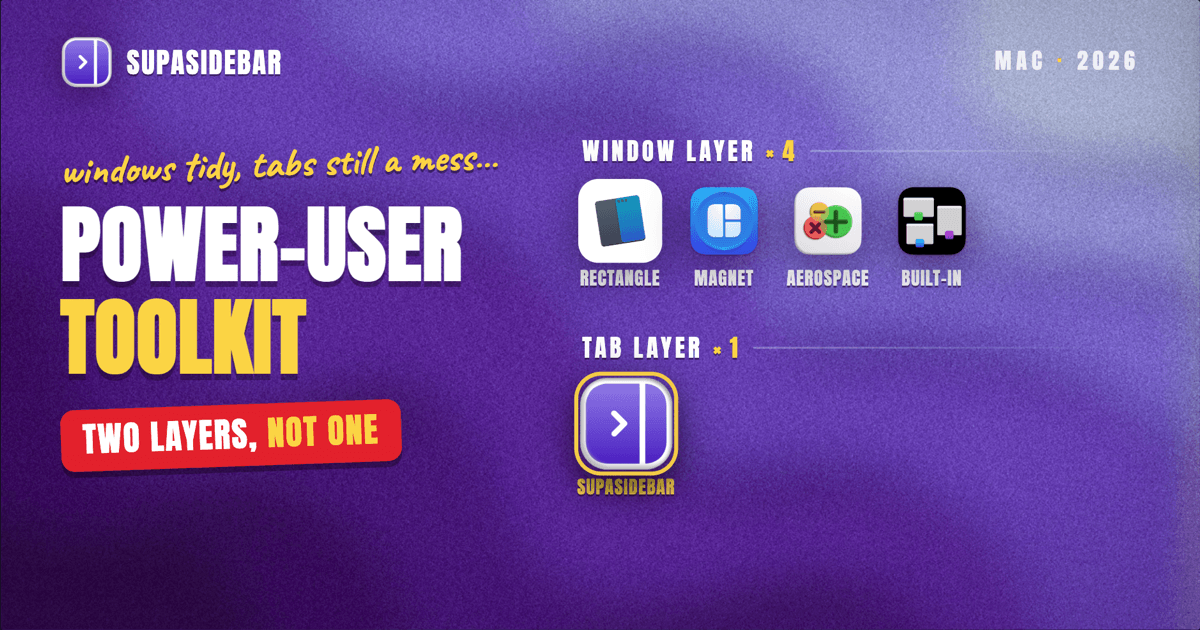
A Mac power-user setup needs two layers that solve different problems: a window manager that snaps and tiles your application windows, and a tab-and-sidebar layer that keeps the dozens of browser tabs inside those windows under control. For window management on macOS in 2026, Rectangle is the free default, Magnet is the paid App Store pick, and AeroSpace is the keyboard-first tiling option for developers. None of those touch browser tabs, which is where most power-user clutter actually lives. SupaSidebar covers that second layer as a cross-browser sidebar across 32+ browsers, sitting alongside a window manager rather than replacing it.
Quick navigation:
- Want the broader app stack, not just window tools? → Best Mac Productivity Apps 2026
- Setting up a focused, distraction-free workspace? → Mac Workspace Setup for Deep Work 2026
- Want a sidebar that works across every browser? → The Mac Sidebar App That Works in Any Browser
- Building a window-and-tab toolkit? You are in the right place. Keep reading.
At a glance
| Tool | Layer | Cost | Best for |
|---|---|---|---|
| Rectangle | Window manager | Free, open-source | Most people who just want keyboard window snapping |
| Magnet | Window manager | Paid, one-time (App Store) | App Store buyers who want a polished, supported snapper |
| AeroSpace | Tiling window manager | Free, open-source | Developers who want i3-style automatic tiling |
| macOS window tiling (built-in) | Window manager | Free, included | Light users who only occasionally split two windows |
| SupaSidebar | Tab and sidebar layer | Free version available | Keeping browser tabs and bookmarks organized across browsers |
The two layers a Mac power-user stack actually needs
A window manager and a tab manager solve different problems, and a real power-user setup wants both. A window manager arranges application windows on screen: it snaps Safari to the left half, your editor to the right, a terminal to a corner. A tab-and-sidebar layer arranges what is inside those windows: the saved links, the live tabs, the bookmarks that pile up across every browser you run.
Most "Mac window manager" roundups stop at the first layer and never mention the second. That leaves the single biggest source of power-user clutter unaddressed, because the windows get tidy while the forty tabs inside the browser stay a mess. The toolkit below covers both layers, names a clear pick for each, and is honest about which tool does which job.
Rectangle: free keyboard window snapping
Rectangle is the best free Mac window manager for most people, because it does keyboard-driven snapping well and costs nothing. It snaps the active window to halves, quarters, thirds, or full screen using customizable keyboard shortcuts, and it is open-source.
The default shortcuts are easy to learn: Control-Option-Left throws a window to the left half, Control-Option-Right to the right half, and Control-Option-Return maximizes it (rectangleapp.com). Every shortcut is remappable, so the muscle memory becomes second nature within a day.
Rectangle is more configurable than the basic window tiling Apple added natively, and because it is free and open-source there is no reason not to start here before paying for anything. The trade-off is that it manages window position only; it has no awareness of what is inside those windows.
Best for:
anyone who wants reliable keyboard window snapping without paying.
Magnet: the polished App Store pick
Magnet is the paid Mac App Store window manager for people who want a supported, polished snapper with a one-time purchase. It covers the same core job as Rectangle, snapping windows to screen regions via keyboard shortcuts and dragging to edges, with a tidy menu-bar interface (Magnet).
The practical difference from Rectangle is distribution and support, not raw capability. Magnet is a one-time App Store purchase (priced in the single-digit-dollar range at time of writing, though the exact figure has shifted over the years, so check the listing), which appeals to people who prefer App Store updates and a paid product with a vendor behind it.
For most people the free Rectangle covers the same ground, so Magnet earns its slot specifically when App Store distribution and a paid-support relationship matter to you. It is a window snapper, not a tab manager.
Best for:
App Store buyers who want a polished, supported window snapper.
AeroSpace: i3-style tiling for keyboard-first developers
AeroSpace is the tiling window manager for developers who want windows to arrange themselves automatically, i3-style, instead of being snapped one at a time. It automatically tiles open windows and lets you navigate, move, and resize them entirely from the keyboard using customizable keybindings (GitHub - nikitabobko/AeroSpace).
What sets AeroSpace apart is that it runs its own emulated workspaces rather than relying on native macOS Spaces, which it does to sidestep the limitations of Apple's Spaces, and it does not require disabling System Integrity Protection. It is free, open-source, installable via Homebrew (brew install --cask nikitabobko/tap/aerospace), and configured through a plain-text dotfile.
The honest caveat is maturity: AeroSpace is in public beta and usable as a daily driver, but breaking changes are expected before version 1.0 (AeroSpace Guide). It is the steepest learning curve of the three window managers here and is aimed squarely at keyboard-first developers, not casual users.
Best for:
developers who want automatic i3-style tiling and live in the keyboard.
SupaSidebar: the tab and sidebar layer the window managers miss
SupaSidebar is the tab-and-sidebar layer of the power-user stack: it keeps the browser tabs, bookmarks, and saved links inside your windows organized, which is the job none of the window managers above do. It is a macOS menu bar app that adds a persistent sidebar to any browser, not a window manager, so it sits alongside Rectangle, Magnet, or AeroSpace rather than competing with them.
Here is where the two layers connect. A window manager can tile Chrome and Safari side by side, but it has no idea that Chrome is holding twenty work tabs and Safari is holding fifteen personal ones. SupaSidebar handles that inner layer: it shows your live tabs from across 32+ browsers in one place, lets you search every tab and saved link from a Command Panel, and groups your contexts into Spaces so work tabs and personal tabs do not blur together.
A concrete way a developer would set it up alongside a tiling window manager:
| SupaSidebar Space | Links inside |
|---|---|
| Frontend project | github.com, the staging URL, figma.com, localhost dashboards, the team Notion |
| Ops and admin | the cloud console, status pages, billing portal, calendar, email |
Switching Spaces swaps which set of tabs and saved links the sidebar shows, so the window manager keeps the windows tiled while SupaSidebar keeps the contents of those windows scoped to whatever you are doing right now.
On scope, be precise about what it does not do: SupaSidebar does not move, tile, or resize application windows the way Rectangle, Magnet, or AeroSpace do. Its closest layout feature, Window Tiling inside Smart Attach, auto-tiles up to three browser windows next to the sidebar, but it is not a general window manager and will not arrange your editor or terminal. It runs on macOS 14 and later. SupaSidebar is the tab layer of the stack, the window manager is the window layer, and the power-user setup uses both.
Best for:
keeping browser tabs and bookmarks organized across every browser, alongside a real window manager.
Which Mac toolkit setup should you pick?
Different power users need different combinations of these layers. Use this to assemble yours.
If you want one free window manager and nothing else:
Rectangle. It is the free, open-source default and covers keyboard window snapping for the vast majority of people.
If you prefer App Store apps and paid support:
Magnet for the window layer. Same core job as Rectangle with a vendor behind it and App Store updates.
If you are a keyboard-first developer who wants automatic tiling:
AeroSpace. i3-style auto-tiling with its own workspaces, free and open-source, at the cost of a steeper setup and beta-stage stability.
If your real clutter is browser tabs, not windows:
add SupaSidebar on top of whichever window manager you chose. The window manager tidies the windows; SupaSidebar tidies the tabs inside them across 32+ browsers.
Conclusion
The complete Mac power-user toolkit in 2026 is two layers, not one: a window manager for your application windows and a tab-and-sidebar layer for what lives inside your browser windows. For the window layer, Rectangle is the free default, Magnet is the paid App Store pick, and AeroSpace is the developer's tiling choice. For the tab layer, where most of the real clutter hides, SupaSidebar keeps tabs, bookmarks, and saved links organized across 32+ browsers without trying to be a window manager. Single-tool users who only fight overlapping windows can stop at a window manager; anyone drowning in browser tabs across multiple browsers should pair one with a sidebar layer. Try SupaSidebar (free tier) if the tabs are the part of your setup that never stays tidy.
Why we recommend SupaSidebar
SupaSidebar is a macOS app that brings Arc's sidebar to every browser - one sidebar for tabs, bookmarks, files, and apps across 32+ browsers including Safari, Chrome, Firefox, Edge, Brave, Arc, Vivaldi, Dia, and Comet. It is not a window manager and does not replace one; it is the layer that keeps the contents of your browser windows organized while a tool like Rectangle or AeroSpace arranges the windows themselves.
FAQ
What is the best Mac window manager in 2026?
For most people, Rectangle is the best Mac window manager because it is free, open-source, and handles keyboard window snapping well. Magnet is the paid App Store alternative with a one-time purchase, and AeroSpace is the choice for developers who want automatic i3-style tiling. All three arrange application windows; none of them manage browser tabs.
Is a window manager the same as a tab manager on Mac?
No. A window manager arranges application windows on screen (snapping or tiling them into halves, quarters, or grids), while a tab manager organizes the tabs and links inside those windows. A power-user setup usually wants both, because tidy windows can still contain dozens of disorganized browser tabs.
Does SupaSidebar manage or tile windows like Rectangle?
No. SupaSidebar does not move, tile, or resize application windows the way Rectangle, Magnet, or AeroSpace do. Its Window Tiling feature inside Smart Attach can auto-tile up to three browser windows next to the sidebar, but it is a tab and sidebar tool, not a general window manager, and it is meant to run alongside one.
Is AeroSpace free?
Yes. AeroSpace is free and open-source, developed by nikitabobko, and installable via Homebrew. It is in public beta as of 2026 and usable as a daily driver, though breaking changes are expected before version 1.0.
Do I need to pay for a Mac window manager?
No. Rectangle is free and open-source and covers keyboard window snapping for most people, and macOS includes basic built-in window tiling. Paid options like Magnet add App Store distribution and vendor support but cover much the same core job. The tab-and-sidebar layer, such as SupaSidebar, has a free version available too.
Written by Kshetez Vinayak, founder of SupaSidebar.