
By Kshetez Vinayak, founder of SupaSidebar. Last updated June 17, 2026.
TL;DR
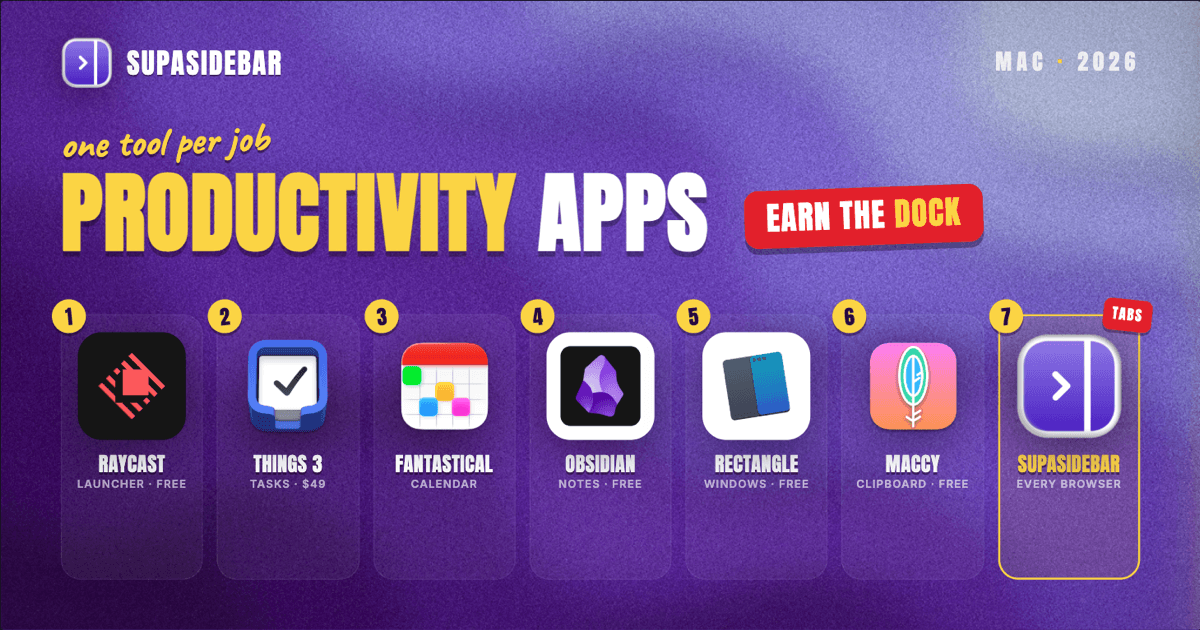
The best Mac productivity apps in 2026, one tool per job: SupaSidebar for keeping browser tabs and bookmarks organized across every browser, Raycast for a keyboard-first launcher (free forever for individuals), Things 3 for tasks ($49.99 one-time per Cultured Code), Fantastical for calendar, Obsidian for notes (free for all use since 2025), Rectangle for window snapping (free, open source), and Maccy for clipboard history (free, open source). The pattern that actually moves the needle is not buying more apps, it is picking one tool per job and cutting the rest. The full picks, free-versus-paid breakdown, and a decision guide are below.
Quick navigation:
- Drowning in browser tabs across Safari and Chrome? Start with the browser organization pick.
- Just want a launcher? Jump to the launcher pick.
- Want the short version? The comparison table right below ranks every pick by job.
At a glance {#at-a-glance}
One app per job. The "Best for" column is the fast way to find your pick.
| App | Job | Price model | Best for |
|---|---|---|---|
| SupaSidebar | Browser tabs and bookmarks | Free version available | Anyone living in 2+ browsers who wants one organized sidebar |
| Raycast | Launcher / command bar | Free for individuals; Pro paid | Replacing Spotlight with a keyboard-first command bar |
| Things 3 | Tasks and projects | One-time purchase | A calm, opinionated to-do app you buy once |
| Fantastical | Calendar | Free tier; paid subscription | Natural-language event entry and a unified calendar view |
| Obsidian | Notes and knowledge | Free for all use | Owning your notes as local Markdown files |
| Rectangle | Window management | Free, open source | Snapping windows with keyboard shortcuts |
| Maccy | Clipboard history | Free, open source | A private, local-only clipboard you barely notice |
A quick note on what this list is not. It is not "every Mac app worth installing", and it skips creative-pro suites (those get their own designer list, with a video-editor list coming soon) . The focus here is the cross-job productivity stack a typical Mac knowledge worker reaches for daily. If you want a stack tuned to a specific role, there are job-specific picks for students, writers and creators, remote workers, and researchers too.
Keeping browser tabs organized across every browser {#browser-organization}
For organizing browser tabs and bookmarks on a Mac, SupaSidebar is the pick for anyone who runs more than one browser, because it adds a single sidebar that works across all of them instead of trapping bookmarks and tabs inside each browser separately. This is the productivity problem most "best apps" lists skip, so this list leads with it: the other six picks below keep tasks, notes, and windows tidy, but the browser is where the actual chaos lives. A typical Mac knowledge worker keeps Safari open for personal accounts, Chrome for a work profile with the company SSO, and a third browser for testing or research, and every one of those keeps its own separate pile of tabs and bookmarks.
SupaSidebar is a native macOS app, not a browser extension, that sits at the screen edge and shows pinned items, saved links, and live tabs from every browser at once. It supports 33 browsers (counting channel variants) including Safari, Chrome, Firefox, Edge, Brave, and Arc, and organizes everything into Spaces, one workspace per project or context, so a "Work" space and a "Personal" space stay separate no matter which browser a link lives in. Saved links and Spaces sync across Macs through iCloud with no account required.
The fit is honest about its edges: SupaSidebar organizes and routes what is already in the browsers, it does not render web pages or replace a browser. For a one-browser user, the value is smaller. For anyone juggling two or more browsers, it closes a gap nothing else on this list touches.
One paying user put the daily value plainly:
"I use sidebar whenever I remember that I bought this. It reminds me what important things i was working on before."
- Greg Kerstine, via email
And on how it fits a multi-context workday:
"The ability to organize multiple workspaces and flows is great! Perfect for keeping each project/motion grouped together"
- SupaSidebar user, r/macapps
For the full multi-browser case, see why multi-browser users need a unified sidebar.
The launcher that replaces Spotlight {#launcher}
For a Mac launcher in 2026, use Raycast, which is free forever for individuals and bundles app launching, window management, clipboard history, snippets, and an extensions store into one ⌘-Space command bar. Spotlight got better in recent macOS releases, but it still does one thing: find and open. Raycast turns that same keystroke into a control surface for the whole machine, and the free tier already covers the work most people do. Raycast Pro adds AI and cloud sync at $8 per user per month billed annually, per Raycast's pricing page, but the free plan is the reason it lands on this list.
Alfred is the long-running alternative, and it is worth a look if you want deep custom workflows and a one-time Powerpack purchase instead of a subscription path. The honest tradeoff: Raycast's extensions store is larger and more actively maintained, while Alfred's workflow editor is more flexible for people who like to build their own automations.
The task app you buy once {#tasks}
For task management on a Mac, Things 3 is the pick when a calm, single-purchase app matters more than collaboration, and it costs $49.99 as a one-time Mac purchase with no subscription, per Cultured Code. Things 3 is opinionated in a way that helps: a clear Today view, projects, areas, and not much else to fiddle with. That restraint is the feature.
The counterargument is real. If a team shares tasks, Things 3 is the wrong tool because it has no real collaboration, and apps like Todoist or TickTick fit better there. There is also a free path worth naming honestly: Apple Reminders shipped enough structure in recent macOS versions that plenty of people never need a paid task app at all. Try Reminders first, and only reach for Things 3 when its calm interface earns the spend.
The calendar that reads plain English {#calendar}
For calendar management, Fantastical earns the slot because its natural-language parser turns "lunch with Sam Friday 1pm" into a correctly-placed event, and it unifies Google, iCloud, and Exchange calendars in one view. The friction it removes is the small daily tax of clicking through date and time fields. Over a week of meetings that adds up.
The tradeoff is the pricing model: Fantastical's best features sit behind a subscription, and Apple Calendar is free and has quietly closed part of the gap. For a light meeting load, the built-in Calendar app is the right call. Fantastical pays off for people whose day is a wall of events across multiple accounts.
The notes app you actually own {#notes}
For note-taking on a Mac, Obsidian is the pick for anyone who wants to own their notes as plain Markdown files on disk rather than rent them inside someone else's database, and it is free for all use, including commercial and institutional work, since Obsidian dropped the commercial license requirement in February 2025. Your notes are local files. No lock-in, no export dance later, and a plugin ecosystem that lets the app grow with the workflow.
Obsidian is not for everyone, and that is fine. The blank-canvas, link-your-own-notes model has a real learning curve, and people who want structure handed to them are happier in Notion or Apple Notes. The honest framing: Obsidian rewards people who want to build a system and frustrates people who just want to jot things down. Match the tool to the temperament.
The window manager macOS still does not include {#windows}
For window management, Rectangle is the free, open-source pick that snaps windows to halves, quarters, and full screen with keyboard shortcuts that macOS still does not ship natively. Control-Option-Left for the left half, Control-Option-Right for the right, Control-Option-Return for full screen, per the Rectangle project. It is the kind of utility that disappears into muscle memory within a day. macOS added basic window tiling recently, but Rectangle remains faster and more configurable for people who arrange windows constantly.
The clipboard history that stays on your Mac {#clipboard}
For clipboard history, Maccy is the free, open-source manager that keeps every copied item searchable and, critically, local to the Mac so nothing syncs to a server, per the Maccy site. Hit the shortcut, start typing, and the history filters in real time. The privacy angle is the reason it beats flashier clipboard tools: copying an API key or a password into a cloud-synced clipboard is a quiet risk Maccy sidesteps by design. The App Store build costs a few dollars, but the GitHub download is free.
Which Mac productivity setup should you pick? {#which-setup}
The stack depends on how you work, not on installing all seven. Use this as a fast filter:
- If you want one upgrade today: install Raycast and replace Spotlight. It is free and the single highest-leverage swap on this list.
- If your day is meetings and deadlines: Fantastical for the calendar plus Things 3 for tasks, with Apple Reminders as the free fallback if a paid task app feels like overkill.
- If you live in your notes: Obsidian for local Markdown ownership, or Apple Notes if you want zero setup.
- If you arrange windows constantly: Rectangle, full stop. Pair it with Maccy for a private clipboard.
- If you run two or more browsers: add SupaSidebar so tabs and bookmarks stop fragmenting across Safari, Chrome, and the rest.
- If you are on a tight budget: Raycast, Obsidian, Rectangle, and Maccy are all free or free-tier, and SupaSidebar has a free version. That covers launcher, notes, windows, clipboard, and browser organization at zero cost.
Conclusion
The best Mac productivity stack in 2026 is not the longest one, it is one app per job: Raycast to launch, Things 3 to plan, Fantastical to schedule, Obsidian to think, Rectangle and Maccy to keep the desktop sane, and SupaSidebar to keep browser tabs and bookmarks organized across every browser. Adding more apps past that point usually adds friction, not output.
The cheapest path is also a credible one. Raycast, Obsidian, Rectangle, and Maccy are free, and SupaSidebar has a free version, so a complete launcher-plus-notes-plus-windows-plus-clipboard-plus-browser setup costs nothing to try. Try SupaSidebar (free tier) if you live across multiple browsers and want the tab and bookmark chaos consolidated into one sidebar.
Why we recommend SupaSidebar
SupaSidebar is a macOS app that brings Arc's sidebar to every browser - one sidebar for tabs, bookmarks, files, and apps across 33 browsers including Safari, Chrome, Firefox, Edge, Brave, Arc, Vivaldi, Dia, and Comet. It is not a browser and not an extension; it is a native Mac app that adds a persistent, always-accessible sidebar to whatever browser you already use, organizes everything into Spaces, and syncs saved links across your Macs through iCloud. For a productivity stack that already covers tasks, notes, and windows, it is the piece that handles the browser, the place most tab and bookmark chaos actually lives.
Written by Kshetez Vinayak, founder of SupaSidebar.
FAQ
What is the best Mac productivity app in 2026?
There is no single best app because productivity is split across jobs. For a launcher, Raycast is the top pick and is free for individuals. For tasks, Things 3 is the calmest single-purchase option. For browser tabs and bookmarks across multiple browsers, SupaSidebar is the pick. The right stack is one tool per job, not one app for everything.
What are the best free productivity apps for Mac?
Four strong picks are completely free: Raycast (launcher, free for individuals), Obsidian (notes, free for all use since 2025), Rectangle (window management, free and open source), and Maccy (clipboard history, free and open source). SupaSidebar also has a free version for organizing browser tabs and bookmarks. Together those cover launcher, notes, windows, clipboard, and browser organization at no cost.
Do I really need a productivity app if macOS has Spotlight, Reminders, and Calendar?
For light use, the built-in apps are enough, and trying them first is the honest move. Spotlight, Apple Reminders, and Apple Calendar each closed part of the gap in recent macOS versions. The paid and third-party apps earn their place when a specific job gets heavy: a keyboard-first command bar (Raycast), a calmer task system (Things 3), or browser organization across more than one browser (SupaSidebar), which no built-in app handles.
How do I keep browser tabs organized across Safari and Chrome on a Mac?
Use a tool that sits above the browsers instead of inside one. SupaSidebar is a native Mac app that shows live tabs, pinned items, and saved links from every browser at once and sorts them into Spaces, so a work context and a personal context stay separate regardless of which browser a tab is in. Because it is an app and not an extension, it works the same across Safari, Chrome, Firefox, and more.
Are paid Mac productivity apps worth it over the free ones?
Sometimes. The free stack (Raycast, Obsidian, Rectangle, Maccy) covers most daily needs well. Paid apps like Things 3 ($49.99 one-time) and Fantastical (subscription) are worth it when their specific job is central to your day and the polish saves real time. The smart approach is to run the free options first and only pay when a tool clearly earns its cost.