
By Kshetez Vinayak, founder of SupaSidebar. Last updated June 7, 2026.
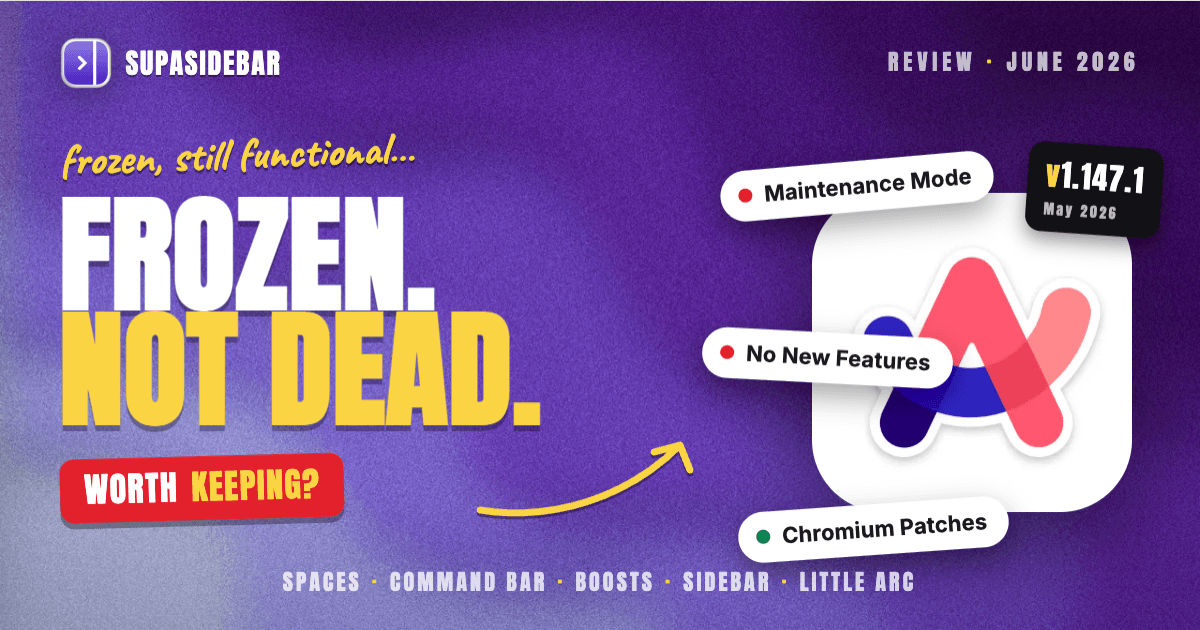
Arc in 2026 is frozen but functional. The browser still launches, still renders pages, still runs Chrome extensions, and still receives Chromium security patches, but it has not gained a single new feature since The Browser Company put it in maintenance mode in May 2025. Arc is worth keeping if its Spaces-and-command-bar workflow already fits how a person works and the lack of future updates is acceptable. Arc is worth leaving if waiting on bug fixes, new features, or a roadmap matters. Frozen does not mean broken: a finished, well-built browser can stay useful for a long time, and Arc is a well-built browser.
Looking for something specific?
- Wondering if Arc is dead and what maintenance mode means? → Is Arc Browser Dead?
- Already decided, ready to leave Arc? → Switching from Arc Browser
- Comparing Arc to Dia specifically? → Arc Browser vs Dia Browser
- Comparing every alternative? → Arc Browser alternative guide
- Reviewing Arc itself, staying or going? → You're in the right place. Keep reading.
Arc in 2026: the one-paragraph verdict
Arc is a Chromium-based browser that froze in time. The Browser Company stopped active development in May 2025 to build Dia, an AI-first browser, and Atlassian completed its $610M acquisition of The Browser Company on October 21, 2025 (Android Authority). Arc still works, still gets Chromium security updates, and has no announced shutdown date. What it does not get: new features, bug fixes for anything non-critical, or a roadmap. For people who already built their browsing around Arc's Spaces and command bar, the daily experience in 2026 is largely unchanged. For anyone evaluating Arc fresh in 2026, the honest answer is that it is a polished dead end, and the better question is which actively-developed tool gives the same workflow.
What Arc still does well in 2026
The features that made Arc stand out are the same ones that still work, because none of them depended on ongoing development to keep functioning.
Spaces.
Arc's Spaces remain its strongest idea: separate workspaces, each with its own tabs, pinned sites, and theme, so work and personal browsing never bleed into each other. Switching between them is instant. Spaces still behave exactly as they did at Arc's peak.
The command bar.
Arc's command bar (Cmd+T) opens a single input that searches tabs, history, and the web, and creates new tabs. It is fast, keyboard-first, and still one of the cleanest implementations of the pattern in any browser.
Boosts.
Arc Boosts let a user inject custom CSS, hide elements, or restyle any website per-site. This is a browser-engine-level feature, and it still works on the current Arc build. It is also one of the few Arc features that genuinely has no equivalent outside the browser.
The sidebar and vertical tabs.
Arc's left-edge sidebar with vertical tabs, folders, and pinned items is the layout most former Arc users miss the most. It is clean, dense, and still fully functional in 2026.
Little Arc and split view.
Quick one-off links open in Little Arc, a lightweight popup window, and Arc's split view tiles two or more tabs side by side. Both still work on the maintenance build.
What's frozen: the cost of maintenance mode
Maintenance mode has a specific meaning, and it is worth being precise about what stopped versus what continues.
Arc receives Chromium security patches. The macOS build reached v1.147.1 on May 22, 2026, and the Windows build was upgraded to Chromium 146.0.7680.76 with the latest security fixes (Arc Help Center release notes). Because Arc is Chromium-based, the full Chrome extension ecosystem still installs and runs. So the browser is not a security liability in the way an abandoned, unpatched browser would be.
What stopped is everything else. There are no new features, no published roadmap, and no team actively building Arc. Bugs that are not security-critical are unlikely to ever be fixed. Integrations that break when a website changes its structure will stay broken. The AI features Arc shipped under the Arc Max banner are not being extended, and their future is uncertain now that the company's AI work lives in Dia instead (covered separately). The practical effect: Arc in 2026 is exactly as good as it was in May 2025, and it will never be better.
| Area | Status in 2026 |
|---|---|
| Page rendering and browsing | Works (Chromium engine, current) |
| Chromium security patches | Active (macOS v1.147.1, May 2026) |
| Chrome extensions | Works (full ecosystem) |
| Spaces, command bar, Boosts, split view | Works (unchanged) |
| New features | None since May 2025 |
| Non-critical bug fixes | Effectively none |
| Roadmap / active development | None |
Performance and stability on current macOS
Arc runs on macOS 14 and later and performs the way a mature Chromium browser performs: comparable to Chrome on raw speed, with slightly higher memory use than Safari because of the Chromium engine and Arc's richer UI layer. On Apple Silicon, Arc is smooth for typical multi-tab browsing. Stability on the current build is solid for most users, which is expected for a product that is no longer changing. The risk is not crashes today; it is the slow accumulation of small breakages over the next year or two as the web evolves and Arc does not. A browser that gets no maintenance beyond security patches will gradually drift out of step with new web standards, even if nothing is dramatically broken right now.
Who should stay on Arc
Staying on Arc is a reasonable choice for a specific kind of user. If Arc's Spaces and command bar are already wired into a daily workflow, if Boosts are doing real work on sites a person uses constantly, and if the absence of future updates is genuinely acceptable, there is no urgent reason to leave a browser that still works and still gets security patches. A finished tool that fits is better than an unfinished tool that does not. The honest caveat is to treat the situation as temporary: have a destination in mind, keep an eye on whether anything important breaks, and do not assume the security patches continue forever.
Who should leave Arc
Leaving Arc makes sense for anyone whose tolerance for a frozen product is low. New users evaluating Arc in 2026 should not adopt a browser with no future when actively-developed options offer similar workflows. Anyone who has hit a bug that will never be fixed, who wants features that will never ship, or who simply does not want to depend on a product the maker walked away from should plan a move. The good news is that the Arc-style workflow, vertical sidebar, Spaces, fast command bar, is now available in several actively-built forms. The full breakdown of where to go lives in the Arc browser alternative guide; the step-by-step move is covered in switching from Arc browser.
The fork question
A common follow-up: since Arc is no longer being developed, can the community keep it alive? Arc is closed-source, and no community fork exists as of mid-2026, so there is no open-source continuation of Arc to switch to. The closest thing to "Arc, but maintained" is to recreate the workflow on top of a browser that is still being built, rather than to wait for source code that has not been released. The open-source angle, including the Chromium-fork browsers people reach for, is covered in the open-source Arc browser breakdown.
How Arc compares for the same use cases
For the workflow most Arc users care about, vertical sidebar, Spaces, a fast command bar, here is how the realistic options stack up in 2026.
| Tool | Sidebar + vertical tabs | Spaces / workspaces | Actively developed | Works across multiple browsers |
|---|---|---|---|---|
| Arc | Yes (frozen) | Yes (frozen) | No | No (Arc only) |
| Zen | Yes | Yes (Workspaces) | Yes | No (Zen only) |
| Dia | Limited | Limited | Yes | No (Dia only) |
| Safari | Tab Groups (no true sidebar workflow) | Tab Groups | Yes | No (Safari only) |
| SupaSidebar | Yes (on any browser) | Yes (Spaces) | Yes | Yes (25+ browsers) |
The pattern in that table is the real decision. Zen and Dia are actively-developed browsers, but each replaces one browser with another single browser. The honest gap none of the single-browser options close is that Arc users often did not use only Arc, they kept Chrome open for work logins and Safari for battery, and the Arc sidebar only organized Arc's own tabs.
Where SupaSidebar fits for Arc users
The reason a frozen Arc is still worth reviewing carefully is that many people stayed on Arc for the sidebar workflow specifically, not the browser engine. That workflow does not have to live inside one browser.
SupaSidebar is a macOS app that brings Arc's sidebar to every browser - one sidebar for tabs, bookmarks, files, and apps across 25+ browsers including Safari, Chrome, Firefox, Arc, Zen, Vivaldi, Brave, Helium, and Dia. For someone staying on Arc, that means the times they have to open Safari for battery or Chrome for a work login no longer break the sidebar habit, because the same sidebar spans all of them. For someone leaving Arc, it means the Spaces-and-sidebar workflow survives the move to any other browser without being locked to a single vendor's roadmap again. Arc's command bar has a direct upgrade in SupaSidebar's Command Panel (⌘⌃K), which searches across browsers, and Air Traffic Control routes links to the right Space and even the right browser profile automatically. SupaSidebar runs on macOS 14+, has a free version, and imports Arc data in three clicks (Preferences → Import and Export → Arc → Import). The two Arc features it cannot replicate are Boosts (per-site CSS injection, a browser-engine feature) and Easels (Arc's visual whiteboards); everything else has a direct equivalent or an upgrade. The side-by-side breakdown lives on the Arc vs SupaSidebar comparison page.
Conclusion: should you keep using Arc in 2026?
Arc in 2026 is a finished, frozen, still-functional browser: it renders pages, runs Chrome extensions, and gets Chromium security patches (macOS v1.147.1 as of May 2026), but it has had zero new features since maintenance mode began in May 2025 and has no roadmap. Stay on Arc if its Spaces and command bar already fit and a frozen product is acceptable, treating it as a good tool with a known expiry rather than a long-term bet. Leave Arc if waiting on fixes or features matters, if a never-to-be-fixed bug has already bitten, or if depending on an abandoned product feels wrong; Zen and Dia are the actively-developed single-browser replacements, and the full comparison lives in the Arc browser alternative guide. For the large group who stayed on Arc purely for the sidebar workflow, the most durable answer is to lift that workflow off any single browser entirely. Try SupaSidebar (free version) to keep the Arc-style sidebar across every browser, whether the decision is to stay on Arc or move on.
Frequently asked questions
Is Arc browser still worth using in 2026?
Arc is worth using in 2026 if its Spaces-and-sidebar workflow already fits and a frozen product is acceptable. It still works, runs Chrome extensions, and gets Chromium security patches. It is not worth adopting fresh, because it has no new features and no roadmap since maintenance mode began in May 2025.
Does Arc browser still get updates?
Arc gets Chromium security updates only. The macOS build reached v1.147.1 on May 22, 2026, and the Windows build tracks current Chromium security fixes. It does not get new features, non-critical bug fixes, or any roadmap updates.
Is Arc browser safe to use in 2026?
Arc is reasonably safe to use in 2026 because it still receives Chromium security patches, unlike a fully abandoned, unpatched browser. The risk is long-term: there is no guarantee the security patches continue indefinitely, so a destination browser is worth having in mind.
Why did The Browser Company stop developing Arc?
The Browser Company stopped active Arc development in May 2025 to focus on Dia, an AI-first browser. Atlassian then completed a $610M acquisition of The Browser Company on October 21, 2025. Arc was effectively treated as a finished product.
Can I keep Arc's workflow if I switch away from it?
Yes. Arc's signature workflow, vertical sidebar, Spaces, and a fast command bar, can be recreated on top of an actively-developed browser. SupaSidebar brings the sidebar and Spaces workflow to 25+ browsers and imports Arc data in three clicks, so the habit survives the move.
Is there an open-source version of Arc?
No. Arc is closed-source and no community fork exists as of mid-2026. The practical path is to rebuild the workflow on a maintained browser rather than wait for source code that has not been released. The open-source Arc browser breakdown covers the Chromium-fork options people consider.
Written by Kshetez Vinayak, founder of SupaSidebar. SupaSidebar brings Arc's sidebar to every browser on macOS. Last updated June 7, 2026.