
By Kshetez Vinayak, founder of SupaSidebar. Last updated June 11, 2026.
TL;DR:
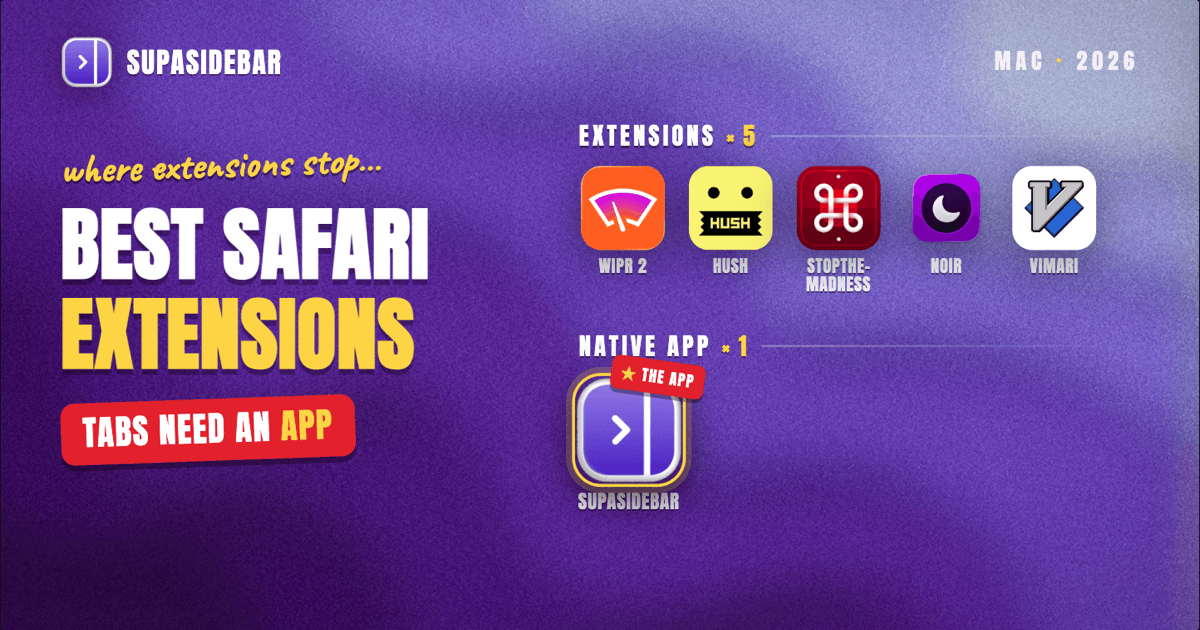
The best Safari extensions for Mac in 2026 are Wipr 2 or 1Blocker for ad blocking, Hush for cookie banners (free), StopTheMadness Pro for fixing hostile websites, Noir for dark mode, and Vimari for keyboard navigation. The honest caveat: Safari's Web Extensions API is deliberately restrictive, so the weakest extension category is tab and workspace management. For that job, a native Mac app like SupaSidebar works alongside Safari with no extension at all and does what Safari extensions architecturally cannot.
Looking for something specific?
- Want a sidebar in Safari specifically? → How to Add a Sidebar to Safari
- After vertical tabs in Safari? → Safari Vertical Tabs: Every Real Option
- Comparing sidebar and tab tools beyond extensions? → Best Safari Sidebar & Tab Extensions
- What's the Mac sidebar app category about? → Mac Sidebar App
How Safari extensions work in 2026 (and why the list looks different from Chrome's)
Safari extensions are distributed through the Mac App Store and reviewed by Apple, and they run inside a sandbox that limits what they can see and do. Safari supports the cross-browser Web Extensions API, but Apple's implementation is intentionally more restrictive than Chrome's: extensions ask for per-site permissions, content blockers run declaratively without reading pages, and several Chrome-only APIs simply do not exist in Safari.
Two practical consequences follow. First, Safari extensions are on average more private and lighter than their Chrome counterparts, because most of them cannot watch every page by default. Second, whole categories that thrive on Chrome, especially deep tab managers like Sidebery or Tree Style Tab, have no real Safari equivalent, because the APIs they depend on are not available. That is why the tab management section near the end of this list recommends a different kind of tool entirely.
With that frame set, here are the extensions worth installing in 2026, organized by the job they do.
Ad blocking and privacy
Wipr 2
Wipr 2 is the set-and-forget ad blocker for Safari. It blocks ads, trackers, cookie notices, and other common annoyances with zero configuration, and its blocklists are updated roughly twice a week, per Macworld's 2026 Safari extension roundup. It costs $4.99 and covers Mac, iPhone, and iPad.
Best for:
Anyone who wants ads gone without ever opening a settings panel.
1Blocker
1Blocker is the configurable counterpart to Wipr. It splits blocking into categories, ads, trackers, cookie notices, social widgets, and more, so the user picks exactly what gets blocked, and rules sync across Apple devices via iCloud. The free version is limited; 1Blocker Premium runs $2.99/month, $14.99/year, or $38.99 one-time, with a 14-day trial.
Best for:
Power users who want per-category blocking control and custom rules.
AdGuard for Safari
AdGuard for Safari is the strongest free option for full ad blocking. It is open source, uses Safari's native content blocker model, and offers more filter-list tuning than most paid alternatives. Heavier users can upgrade to AdGuard's paid Mac app, but the free Safari extension covers most needs.
Best for:
Comprehensive ad blocking without paying.
Hush
Hush does exactly one thing: it removes cookie consent banners and similar nags. It is free and open source under the MIT license, has no settings, collects nothing, and weighs almost nothing. Install it, enable it in Safari Settings, and consent popups disappear.
Best for:
Everyone. There is no reason not to run Hush.
Fixing hostile websites
StopTheMadness Pro
StopTheMadness Pro is a Swiss army knife for web annoyances that go beyond ads. It stops sites from disabling text selection, copy and paste, right-click menus, and autofill, strips tracking parameters from URLs, and blocks autoplay video. It is a $15 one-time purchase on the App Store as a universal purchase covering Mac, iPhone, and iPad, from longtime Mac developer Jeff Johnson.
Best for:
People who want one extension to undo a dozen small website hostilities, with no subscription.
Dark mode
Noir
Noir automatically generates a dark theme for websites that do not offer one, and it kicks in only when macOS Dark Mode is active. It is a $3.99 one-time purchase with no subscription, though the Mac and iPhone/iPad versions are separate purchases. On most sites the generated theme looks native, which is the point: it disappears into the background.
Best for:
Dark mode users tired of white-background ambushes at midnight.
Keyboard navigation
Vimari
Vimari is the Safari port of Vimium, the keyboard navigation extension vim users rely on in Chrome. Press the hint key and every link on the page gets a short letter overlay; type the letters and the link opens. Scrolling, tab switching, and opening links in new tabs all work from the keyboard. It is free and open source, and while it is a lighter port than full Vimium, it is the best keyboard-driven browsing option Safari has.
Best for:
Developers and keyboard-first users who hate reaching for the mouse.
Writing and research
Grammarly
Grammarly's Safari extension checks grammar, spelling, and tone in most web text fields, from email to CMS editors. The free tier handles the basics; paid plans add rewrites and tone adjustment. Feature parity with the Chrome version is close enough that Safari users are not missing anything meaningful.
Best for:
Anyone who writes in the browser and wants a second pair of eyes.
Obsidian Web Clipper
For Obsidian users, the official Web Clipper extension saves whole pages or selections as clean Markdown directly into a vault, with templates, tags, and highlights. It is free, and it turns "bookmark it and forget it" research into notes that actually resurface later.
Best for:
Obsidian users who do heavy web research.
Video control
Vinegar and Baking Soda
This pair from the same developer replaces custom video players with Safari's native player. Vinegar handles YouTube; Baking Soda covers most other sites. The result is consistent controls everywhere: picture-in-picture, playback speed, and AirPlay on players that normally hide them. Each is a $1.99 one-time purchase, with a small discount for the bundle.
Best for:
People who watch video across many sites and want one set of controls.
Bookmarking
Raindrop.io
Raindrop.io is the strongest bookmarking extension available for Safari. The free plan includes unlimited bookmarks and collections across unlimited devices; the Pro subscription adds full-text search, a permanent web archive of saved pages, annotations, and AI suggestions. It syncs across Mac, iPhone, Windows, and every major browser.
One scoping note: an extension like Raindrop manages a saved library, it does not manage Safari's own bookmarks bar or live tabs. For the full bookmark-tool comparison, including how built-in Safari bookmarks stack up against managers and sidebar apps, see the bookmark managers comparison and why built-in Safari and Chrome bookmarks fall short.
Best for:
Researchers and students with hundreds of saved links across devices.
Tab and workspace management: where extensions stop working
Here is the honest section. Search "safari extension tab management" and the results are thin, and that is not an accident. Safari's Web Extensions implementation does not expose the APIs that Chrome tab managers are built on, so there is no Safari version of Sidebery, Tree Style Tab, or Workona, and the few session-saver extensions that exist are limited to snapshotting and reopening lists of links.
What Safari offers natively is Tab Groups, which work fine for static sets of tabs and sync via iCloud. They fall short the moment work spans projects or browsers: no persistent always-visible panel, no search across everything, and nothing that survives outside Safari. The Safari vertical tabs guide covers why no extension can add a real vertical tab layout to Safari either.
The category answer in 2026 is to skip the extension layer entirely. SupaSidebar is a native Mac app, not an extension, so it sits outside the browser sandbox and does what extensions cannot: a persistent sidebar next to Safari showing live tabs, pinned links, folders, and Spaces (one workspace per project), searchable from a Command Panel, and working across Safari, Chrome, Firefox, and 25+ browsers at once. No extension to install, no Safari API limits, and a free version is available. Setup for Safari users takes about two minutes, covered step by step in how to add a sidebar to Safari.
Best for:
Anyone whose tab problem is bigger than one browser window.
All picks at a glance
| Extension | Job | Price | Free option | Key strength |
|---|---|---|---|---|
| Wipr 2 | Ad blocking | $4.99 one-time | No | Zero-config blocking |
| 1Blocker | Ad blocking | $14.99/yr or $38.99 one-time | Limited | Per-category control |
| AdGuard for Safari | Ad blocking | Free | Yes | Free + open source |
| Hush | Cookie banners | Free | Yes | One job, done perfectly |
| StopTheMadness Pro | Website fixes | $15 one-time | No | Breadth of fixes, no subscription |
| Noir | Dark mode | $3.99 one-time | No | Auto dark theme that looks native |
| Vimari | Keyboard navigation | Free | Yes | Vim-style browsing in Safari |
| Grammarly | Writing | Free tier + paid plans | Yes | In-context writing checks |
| Obsidian Web Clipper | Research | Free | Yes | Pages to Markdown in your vault |
| Vinegar + Baking Soda | Video | $1.99 each one-time | No | Native player everywhere |
| Raindrop.io | Bookmarking | Free, Pro subscription | Yes | Unlimited bookmarks, all platforms |
| SupaSidebar (app, not extension) | Tab + workspace management | Free version available | Yes | Cross-browser sidebar, no API limits |
Picking what to use
A sensible 2026 Safari setup is smaller than most extension roundups suggest. Start with Hush (free) plus one ad blocker: Wipr 2 for zero effort, 1Blocker for control, or AdGuard for free. Add StopTheMadness Pro if hostile websites are a daily irritation, Noir for dark mode, and Vimari for keyboard navigation. That is five or six extensions, and Safari's sandboxed extension model handles them without a noticeable performance cost.
For writers and researchers, Grammarly and Obsidian Web Clipper earn their slots. For bookmark-heavy users, Raindrop.io's free plan is the place to start.
For tab and workspace management, stop looking for an extension, because Safari's API limits mean the good ones cannot exist there. SupaSidebar covers that job from outside the browser, works with Safari plus 25+ other browsers, and has a free version. Try SupaSidebar (free) or read the Safari setup walkthrough first.
Why we recommend SupaSidebar
SupaSidebar is a macOS app that brings Arc's sidebar to every browser - one sidebar for tabs, bookmarks, files, and apps across 25+ browsers including Safari, Chrome, Firefox, Arc, Zen, Vivaldi, Brave, Helium, and Dia. For Safari users specifically, it adds the persistent sidebar, project Spaces, and cross-browser tab search that Safari's extension API does not allow any extension to build, and it requires no extension, no account, and no data leaving the Mac. macOS 14+ required.
Frequently Asked Questions
Are Safari extensions safe to install on Mac?
Generally yes, safer than Chrome extensions on average. Safari extensions are distributed through the App Store, pass Apple's review, and run sandboxed with per-site permissions, so most cannot read pages without explicit permission. Still check the developer's reputation before granting an extension access to all websites.
Do Safari extensions slow down Safari or my Mac?
Most do not. Content blockers like Wipr 2, 1Blocker, and Hush run declaratively, meaning Safari applies their rules without the extension reading pages, so they often make browsing faster. Extensions that actively monitor page content, like writing assistants, add modest overhead. If Safari feels slow, disable extensions one at a time in Safari Settings > Extensions to find the culprit.
What is the best free ad blocker for Safari in 2026?
AdGuard for Safari is the best fully free ad blocker, and Hush is the best free cookie-banner blocker; the two run well together. Among paid options, Wipr 2 ($4.99) is the best zero-configuration choice and 1Blocker is the most configurable.
Can Safari extensions sync across iPhone, iPad, and Mac?
Many can. 1Blocker, Wipr 2, Noir, Hush, and StopTheMadness Pro all ship as universal apps that sync settings via iCloud, though some, like Noir, are separate purchases per platform. Mac-only extensions such as Vimari do not sync because they have no iOS counterpart.
Is there a Safari extension for tab management?
Not a serious one, and that is an API limitation rather than a market gap. Safari's Web Extensions implementation does not expose the tab APIs that Chrome tab managers depend on, so tools like Sidebery and Tree Style Tab have no Safari versions. Safari's built-in Tab Groups handle basic grouping, and for workspace-level management a native Mac app like SupaSidebar works alongside Safari without needing extension APIs at all.
How do I install and enable Safari extensions on Mac?
Get the extension from the Mac App Store (or via the developer's app), then open Safari Settings > Extensions and tick the checkbox next to the extension's name. Content blockers activate immediately; other extensions ask for per-site permissions the first time they run on a page.
By Kshetez Vinayak, founder of SupaSidebar.